FREE SHIPPING OVER £250
QR Code Stickers
Read More Info.
- Free Design & Proof Approval
- Made to Order
- Printed Vinyl Stickers
Custom QR Code Stickers with Your Logo and Business Details
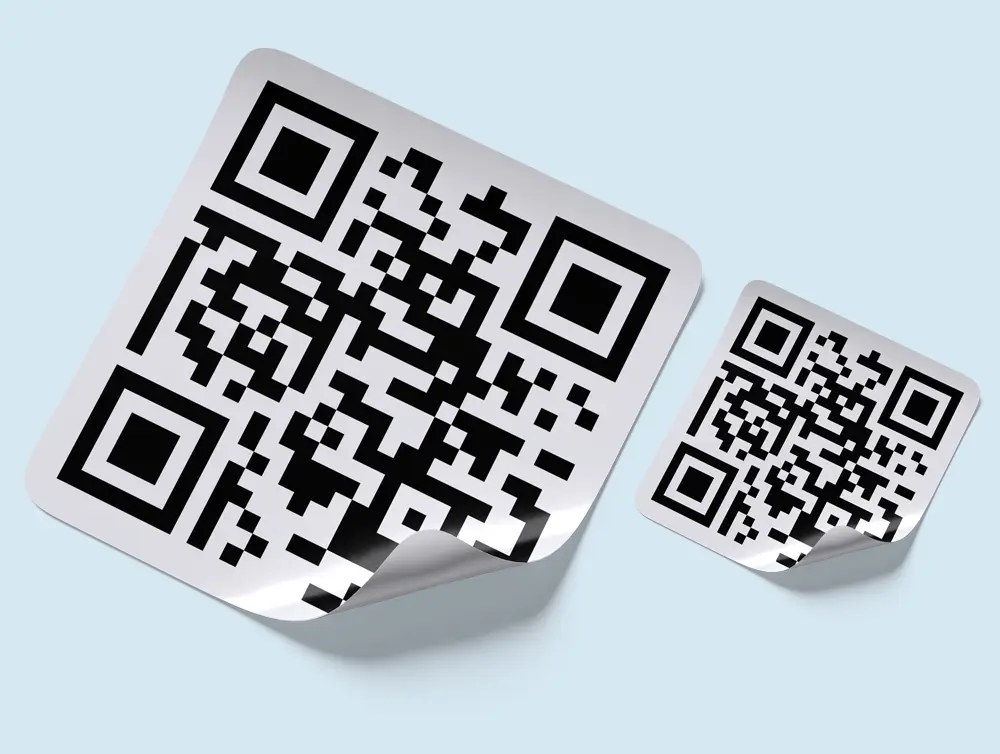
Make it easy for customers to reach your website, leave a review or find useful instructions. Our custom QR code stickers combine a scannable code with your business branding, printed on vinyl.
- Link to a website, review page, booking form, video or instructions
- Add your logo, contact details and a short instruction such as “Scan to book”
- Supply your QR code or send us a link so we can create one
- Free design and a proof to approve before printing
- Bulk discounts shown in the product options
QR stickers for trade businesses
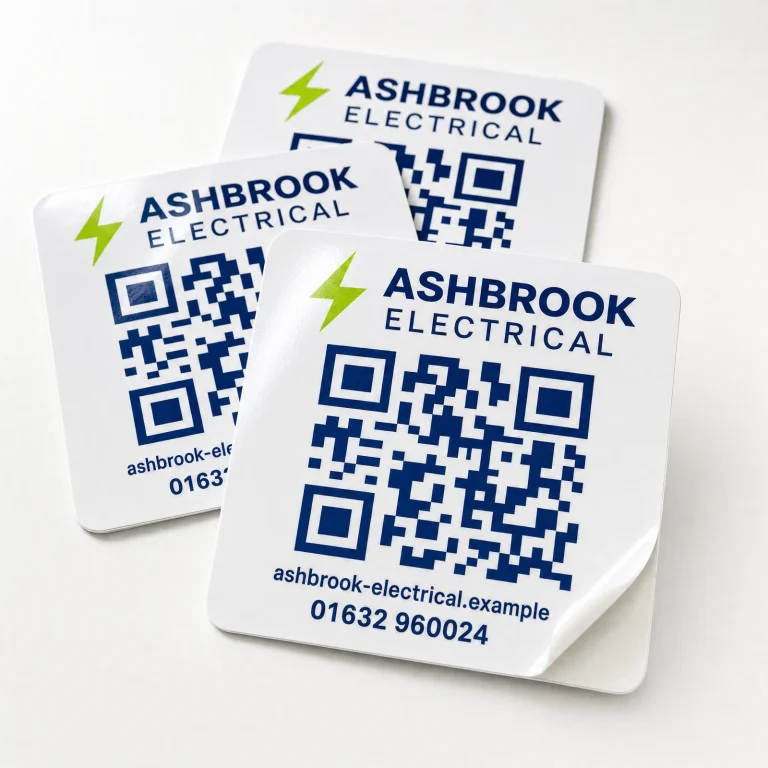
Give customers a useful next step after a job. An electrician might link to a booking page, a plumber to service information, or an installer to equipment instructions. Place the sticker somewhere accessible and suitable for an adhesive label, with wording that explains where the scan will take the customer.
Make your branding clear without crowding the code
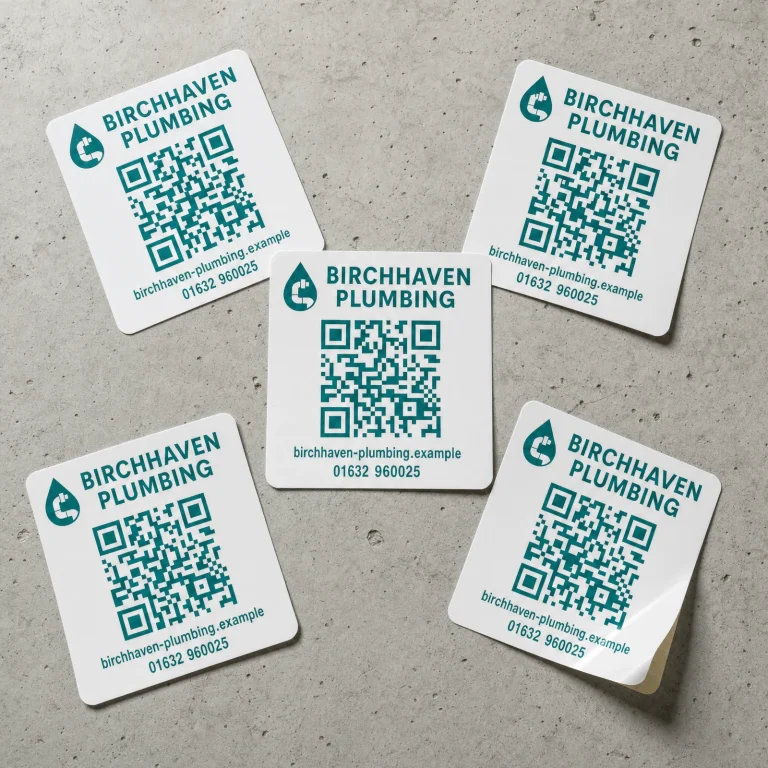
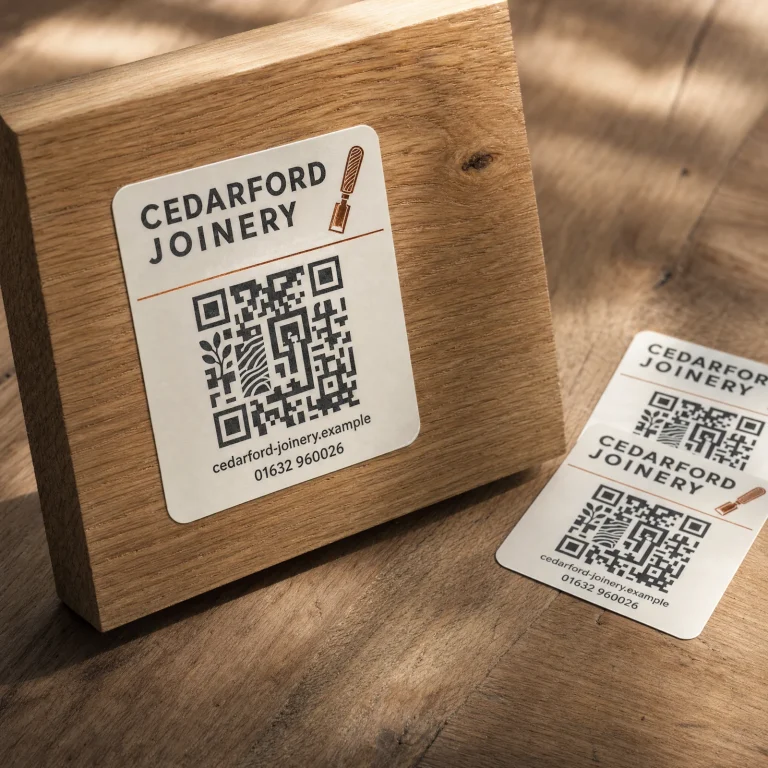
We can include your logo and business details around the QR code. Keep the code high-contrast and leave a clear margin around it. Choose a sticker size that gives both the code and your contact information enough space.
Choose the destination before printing
Send the exact link you want customers to visit. A QR code is a route to that destination; the website, review page or file must remain available for customers to use it. Check the link and test your proof before approving the design.
Order QR Code Stickers
- Bulk Discounts Included
- Free Design & Proof Approval
- Your QR Code & Branding
£7.50 inc. VAT
Choose your sticker options and review the quantity and total before checkout. After payment, upload your artwork or send your logo, exact destination link and wording when we email you.
We will respond within 1–3 days with your design for approval. Test the QR code at the intended size and check the destination and contact details before approving it for print.
Please note: You can upload your file or select a previous design after payment.
Can you create a QR code for me?
Yes. Send the exact website address or destination link and we can create the code for your design. If you already have a QR code, send a high-quality file and the destination it should open.
Can the stickers link to a review page?
Yes. Provide your business’s review link and ask us to include a clear message such as “Scan to leave a review”. Check that the link opens the correct business page before approving your proof.
Can I add my logo and telephone number?
Yes. Your logo and contact details can sit alongside the QR code. Keep the code and its clear surrounding margin free of other design elements so they do not interfere with scanning.
What size should my QR code sticker be?
There is no single size that suits every code. The amount of information encoded, print detail and scanning distance all matter. Tell us where the sticker will be used, and allow enough space for the code, its clear margin and your branding. Test the proof at the intended finished size.
How do I check that the code scans?
Print the proof at the finished size and test it with more than one phone where possible. Confirm it opens the correct destination. Test a finished sticker in its intended position before applying the rest, since lighting, glare, curvature and viewing distance can affect scanning.
Can I change the link after the stickers are printed?
A printed QR code cannot be changed. If it points directly to a web address, that address stays encoded in the sticker. You may be able to change the content at that address, or manage a redirect if you control it. A third-party dynamic QR service may allow destination changes, but its terms, charges and continued availability depend on the provider.
Will my QR code expire?
A static QR code does not have a built-in expiry date, but its destination can stop working. If you supply a code from an external service, check whether it relies on a subscription, redirect or expiry limit before printing.
Are the stickers reusable or suitable for outdoors?
These are adhesive vinyl stickers. Do not assume they can be removed and reapplied or will suit every surface. Contact us about outdoor exposure, cleaning, heat or curved surfaces before ordering so we can discuss the right material and placement.
How do I send my details and approve the design?
After checkout, upload your artwork or send your logo, exact destination link and wording when we email you. We will respond within 1–3 days with a design for approval. Check the link, code and contact details, and request any changes before approving it for print.
QR code sticker specifications
- Material: printed vinyl
- Design: QR code with optional logo, contact details and wording
- Destination: your supplied link or existing QR code
- Size and quantity: select from the product options and review the order total
- Design service: free design and proof approval
Preparing a QR code design
Use a sharp, high-quality QR code file with strong contrast. A standard QR code needs a clear margin of at least four modules (the width of four of its small squares) on every side. Keep text, logos and the cut edge outside that margin.
Send the exact destination link with your artwork. Ask us about bleed and layout requirements before preparing a print-ready file. Test the code at the finished size and check the destination before approving your proof.
Useful ways to use QR code stickers
- Bookings and enquiries: direct customers to your contact or appointment page.
- Customer reviews: make your business review page easier to find.
- Product instructions: link to an installation guide, manual or demonstration video.
- Service information: link to a customer-facing page with servicing or maintenance details.
A printed code does not create an asset-tracking or service-record system by itself. If you need different codes for individual items, contact us to discuss the artwork and data requirements before ordering.
For labels that include written service information, explore our custom service stickers. For a custom outline around your branding, see our die cut stickers.